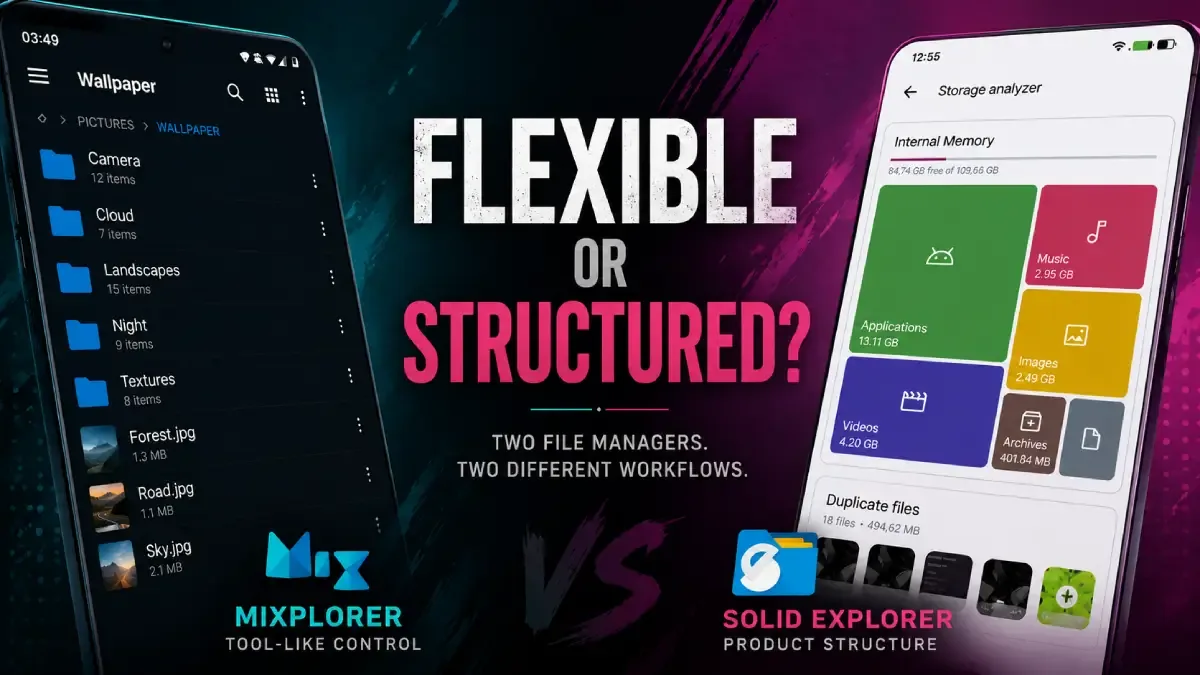
Most Android users compare file managers by asking which one has more features. That is usually the wrong question. The real decision is whether you want more flexibility or more product structure.
Download MiXplorer MOD APK — Premium Unlocked
MiXplorer · Solid Explorer · File Manager · Android Workflow · Comparison
The Real Difference Is Not Power vs Simplicity. It Is Flexibility vs Structure
File managers are one of the easiest Android app categories to misunderstand. Users often compare them as if one is "basic" and the other is "advanced." In reality, the deeper difference is often philosophical. Some file managers feel like open toolkits. Others feel like more packaged products with clearer rails.
The core thesis of this article is simple: MiXplorer is better when your Android file workflow benefits from flexibility and tool-like behavior, while Solid Explorer is better when you want a more productized experience with clearer structure. The right choice depends less on raw feature count and more on how you like to work.
Why MiXplorer Appeals to Power Users
MiXplorer MOD APK feels like a tool first. That is why advanced Android users often respect it. It does not just present file operations neatly. It feels more like something you can shape around a workflow that already exists in your head.
This matters when your file management habits are already somewhat technical: archives, multiple storage locations, APK handling, plugin-style behavior, or workflows that depend on more than just browsing folders casually. MiXplorer tends to feel stronger because it stays closer to utility logic than product polish.
What you gain: more flexibility, stronger tool-like control, and a file manager that feels easier to adapt to non-trivial Android workflows.
What you lose: some of the immediate clarity and product smoothness that can make more structured file managers easier for ordinary users.
Why Solid Explorer Still Feels Better to Many Users
Solid Explorer often feels easier not because it is more powerful, but because it feels more intentionally productized. The interface tends to guide the user more clearly, which lowers mental overhead for people who want file management to stay clean rather than highly moldable.
This is why some users move from MiXplorer to Solid Explorer and feel relief rather than limitation. They are not giving up power they needed. They are choosing a structure that better fits how they think.
In other words, Solid Explorer is not just the "less advanced" option. It is the better choice for users who prefer a manager that feels more finished and less tool-like.
Best For, Not Ideal For
MiXplorer is best for: users who already have a more complex Android file workflow, treat file management as part of a larger toolchain, or want the manager to adapt to them rather than the other way around.
Solid Explorer is best for: users who want clearer structure, better product guidance, and a file manager that feels more immediately approachable without losing seriousness.
Not ideal for MiXplorer: users who do not actually benefit from its flexibility and would rather the app make more decisions for them.
Before You Choose
Before choosing, ask whether your frustration with file managers comes from lack of control or from too much friction. If you want a tool that can bend around a more complicated workflow, MiXplorer is stronger. If you want a cleaner product that reduces mental overhead, Solid Explorer is often the better fit.
If your broader workflow starts before file management itself, our 1DM+ article covers the download stage. If your problem is APK installation across multiple app variants, pair this with our clone MOD APK guide.
Our Honest Recommendation
MiXplorer is the better choice when your workflow is already more advanced than average and you want a manager that behaves like a tool. Solid Explorer is the better choice when you want a stronger product shell around serious file handling.
In short: choose MiXplorer if you want flexibility. Choose Solid Explorer if you want structure.
How to Download MiXplorer MOD APK
Since the modded version is not available on the Google Play Store, you need to install it manually. Follow these steps:
- Enable Unknown Sources: Open Android settings, go to "Security" or "Apps," and enable "Install from Unknown Sources."
- Download the APK: Use the app page link to get the latest MiXplorer MOD APK version.
- Remove Conflicting Versions: Uninstall incompatible builds first if installation fails.
- Install the APK: Tap the downloaded file and complete installation.
- Judge It by Workflow: Test it with the folders, archives, and APK flows you already manage instead of judging it only by appearance.
The best file manager is usually not the one that looks the most powerful. It is the one that fits how you already think about files.
FAQ
Is MiXplorer better than Solid Explorer?
Only if your workflow benefits from more flexibility. Solid Explorer is often the better choice for users who want more structure and clearer product design.
Who should use MiXplorer?
Users with more advanced Android file habits who want a manager that feels like a tool rather than a heavily guided product.
When is Solid Explorer the better choice?
When the user wants serious file handling in a more structured, easier-to-follow product experience.
What is the biggest mistake in choosing a file manager?
Choosing based only on feature count instead of asking whether the app's working style matches your actual file-management habits.
If your Android file workflow already feels more like a toolchain than casual browsing, MiXplorer is one of the strongest managers to build around.





