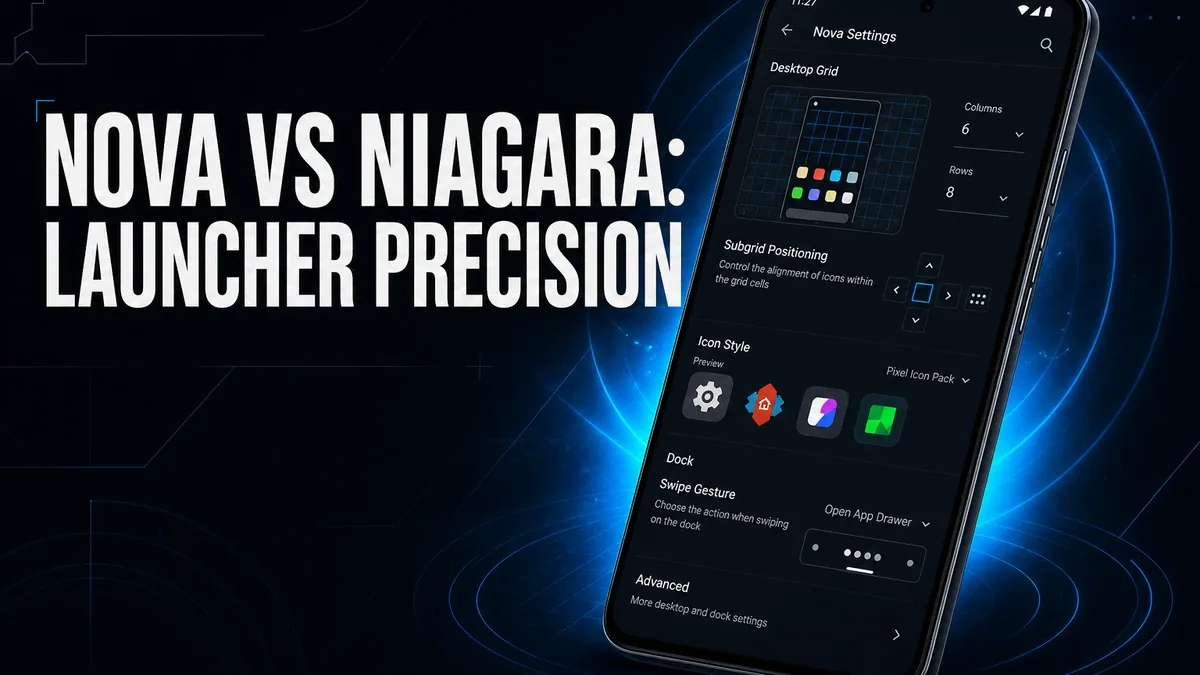
Some launchers try to remove decisions from the home screen. Others try to give you precise control over every tap, swipe, and icon position. Those are not the same upgrade.
Download Nova Launcher MOD APK - Prime Unlocked
Nova Launcher · Niagara Launcher · Android Launcher · Gestures · Home Screen 2026
The Real Question Is Control Density, Not Pretty Themes
Launcher comparisons often start with icons, themes, and first-glance aesthetics. That misses the more practical split. One kind of launcher reduces visual noise and makes one-handed access the priority. Another kind treats the home screen like a configurable control surface: grids, gestures, drawer groups, and icon actions.
The core thesis of this article is simple: Nova Launcher is better when you want precise home-screen control and gesture-driven shortcuts, while Niagara Launcher is better when you want a quieter, minimalist layout that reduces clutter first. The best launcher is not the one with the most skins. It is the one that matches whether your bottleneck is precision or simplicity.
Why Precision Launchers and Minimal Launchers Solve Different Friction
Stock Android and many OEM launchers are fine until the home screen starts fighting you. Apps are hard to reach. Gestures are limited. The drawer is noisy. At that point users often reach for any launcher upgrade without asking what kind of upgrade they need.
Nova becomes relevant when the missing piece is fine control: tighter grid placement, custom gestures, drawer organization, and icon-level actions. Niagara becomes relevant when the missing piece is calm access: fewer icons in the way, faster one-handed browsing, and less visual load.
This is a different decision from asking whether customization will become maintenance later. Here the first question is narrower: do you need denser control, or denser calm?
What Nova Launcher Actually Does Better
Nova Launcher MOD APK makes more sense when your home screen needs to behave like a personalized control panel. Gesture mapping, drawer groups, hide apps, and precise layout tools are the center of that value.
What you gain: denser shortcut control, more exact icon and drawer organization, and a home screen that can match how your hands actually move.
What you lose: some of the immediate calm that minimal launchers create by removing options from the first screen.
Nova is strongest when you already know what you want the home screen to do. It is weaker when your real need is simply fewer decisions and less visual noise.
Best For, Not Ideal For
Nova is best for: users who want gesture shortcuts, precise grid control, and a more configurable drawer workflow than stock Android offers.
Niagara is better when: you want a minimalist, one-handed-first home screen with less icon clutter. See the Niagara Launcher app page if that is closer to your need.
Not ideal for Nova: users who mainly want a quieter phone face and are likely to ignore advanced gesture and grid settings.
Biggest cost: setup intentionality. Precision only helps if you actually define the shortcuts and layout you need.
Before You Choose Nova Launcher
Before choosing Nova, ask whether your current friction is missing control or missing calm. If apps are hard to reach and gestures feel too limited, Nova is the stronger match. If the home screen simply feels too busy, Niagara may finish the job with less configuration.
For install friction, keep the APK parsing error fix and the MOD APK safety guide nearby before you replace the default launcher.
Our Honest Recommendation
Choose Nova when the home screen needs denser control and gesture-driven access. Choose Niagara when the home screen needs less noise and easier one-handed browsing.
In short: Nova is better for precision. Niagara is better for calm minimalism.
How to Download Nova Launcher MOD APK
Since the modded version is not available on the Google Play Store, you need to install it manually. Follow these steps:
- Enable Unknown Sources: Open Android settings, go to "Security" or "Apps," and enable "Install from Unknown Sources."
- Download the APK: Use the app page link to get the latest Nova Launcher MOD APK version.
- Remove Conflicting Versions: Uninstall the official build first if installation fails due to signature conflict.
- Install the APK: Tap the downloaded file and complete installation.
- Judge It by Reach: Set one real gesture or drawer group and ask whether daily app access got faster, not only whether the screen looks different.
A launcher upgrade only matters if it changes how quickly you reach the apps you actually use.
FAQ
Is Nova Launcher better than Niagara Launcher?
Not universally. Nova is better for precise control and gestures. Niagara is better when you want a quieter, minimalist home screen first.
Who should use Nova Launcher?
Users who want denser home-screen control, custom gestures, and more exact drawer organization than stock Android provides.
When is Nova the wrong choice?
When your main problem is visual clutter and you want fewer decisions rather than more configuration options.
What is the biggest trade-off with Nova?
You gain precision, but only if you take the time to define the layout and shortcuts you actually need.
If your home screen needs denser control rather than just a quieter look, Nova Launcher is one of the stronger Android precision options.





