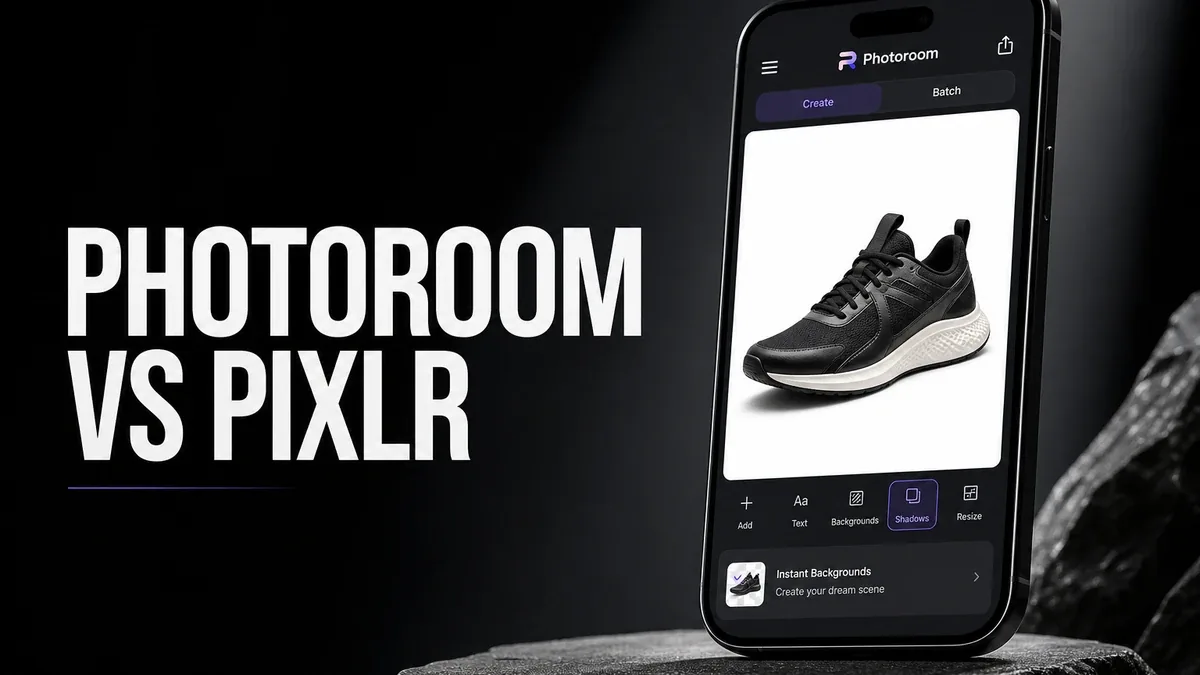
General photo editors try to improve the whole image. Product-focused tools solve a narrower problem: isolate the subject cleanly so the photo can work as a listing, not as a personal snapshot.
Download Photoroom MOD APK - Pro Unlocked
Photoroom · Background Removal · Product Photos · Pixlr Alternative · Android 2026
The Real Question Is Not Which Editor Has More Creative Tools
Mobile photo apps are easy to compare by feature count: filters, retouching, color, templates, AI effects. That comparison misses a more practical split. Some users need to repair or style a photo. Others need to extract a subject and place it into a clean commercial frame.
The core thesis of this article is simple: Photoroom is better when your job is subject isolation and product-ready background work, while Pixlr or Lightroom are better when the photo itself still needs broader editing or color control. The best app is not the most creative one. It is the one that matches whether you are finishing a picture or preparing a listing asset.
Why Product Cutouts Are a Different Workflow
Creative editors assume the image remains the center of the work. You adjust tone, clean distractions, maybe restyle the whole frame. Commerce-oriented cutout tools assume the subject must leave its original environment. Background, shadow, canvas, and batch consistency matter more than artistic development.
That difference changes what "good enough" means. A portrait can look better after careful color work. A product photo can still fail if the background is uneven, the edges are messy, or the set of images does not look consistent across a catalog.
This is why Photoroom should not be judged as a weaker Lightroom or a denser Pixlr. It is solving a different output: reusable subject assets for selling, posting, or branding.
What Photoroom Actually Does Better
Photoroom MOD APK makes more sense when background removal, subject placement, and product-ready framing are the repeated bottleneck. That is especially true for sellers and creators who need consistent cutouts more than deep photo development.
What you gain: faster subject isolation, cleaner listing-ready backgrounds, and a workflow built around reusable product visuals rather than one-off creative edits.
What you lose: some general editing depth. Photoroom is less convincing when the photo still needs serious color correction, RAW control, or broad retouching before cutout even matters.
Photoroom is strongest when the subject is already clear enough to extract. It is weaker when the source image itself is the unfinished problem.
Best For, Not Ideal For
Photoroom is best for: users who regularly need background removal for products, catalogs, resale posts, or clean subject-on-canvas exports.
Pixlr is better when: the photo itself still needs flexible cleanup and image-first editing. See our Pixlr decision guide.
Lightroom is better when: color, tone, and selective correction are the unfinished part. See our Lightroom vs Pixlr guide.
Not ideal for Photoroom: users who mainly want creative filters, deep retouching, or one-tap enhancement of old personal photos.
Biggest cost: narrowness. A strong cutout workflow can feel incomplete if what you actually needed was broader photo repair.
Before You Choose Photoroom
Before choosing Photoroom, ask whether the unfinished part is the subject background or the photo quality itself. If the image is soft, poorly exposed, or needs tone work first, start with a broader editor. If the subject is already usable and the background is the blocker, Photoroom becomes the more direct tool.
For background-focused Pixlr workflows, see the Pixlr background remover guide. For broader mobile editing comparisons, see best Photoshop alternatives on Android and Pixlr vs Canva. For install friction, keep the APK parsing error fix nearby.
Our Honest Recommendation
Choose Photoroom when your repeated job is cutting subjects out cleanly for product-ready use. Stay closer to Pixlr or Lightroom when the photo still needs broader editing before any background swap matters.
In short: Photoroom is better for listing assets. Broader editors are better for unfinished photos.
How to Download Photoroom MOD APK
Since the modded version is not available on the Google Play Store, you need to install it manually. Follow these steps:
- Enable Unknown Sources: Open Android settings, go to "Security" or "Apps," and enable "Install from Unknown Sources."
- Download the APK: Use the app page link to get the latest Photoroom MOD APK version.
- Remove Conflicting Versions: Uninstall the official build first if installation fails due to signature conflict.
- Install the APK: Tap the downloaded file and complete installation.
- Judge It by Output Type: Process one real product or subject photo and ask whether the cutout became usable faster than a general editor would have.
A cutout app is only the right choice if your unfinished job is the background and framing, not the photo's core quality.
FAQ
Is Photoroom better than Pixlr?
Not universally. Photoroom is better for subject isolation and product-ready backgrounds. Pixlr is better when the photo itself still needs flexible image-first editing.
Who should use Photoroom?
Users who regularly prepare product photos, resale listings, or clean subject-on-canvas exports and need fast background removal.
When is Photoroom the wrong choice?
When the photo still needs color correction, deep retouching, or general creative editing before cutout work matters.
What is the biggest trade-off with Photoroom?
You gain a stronger product-cutout workflow, but you lose some of the broader editing depth that general photo apps provide.
If your real bottleneck is clean subject isolation for listings rather than creative photo development, Photoroom is one of the more direct Android options.





