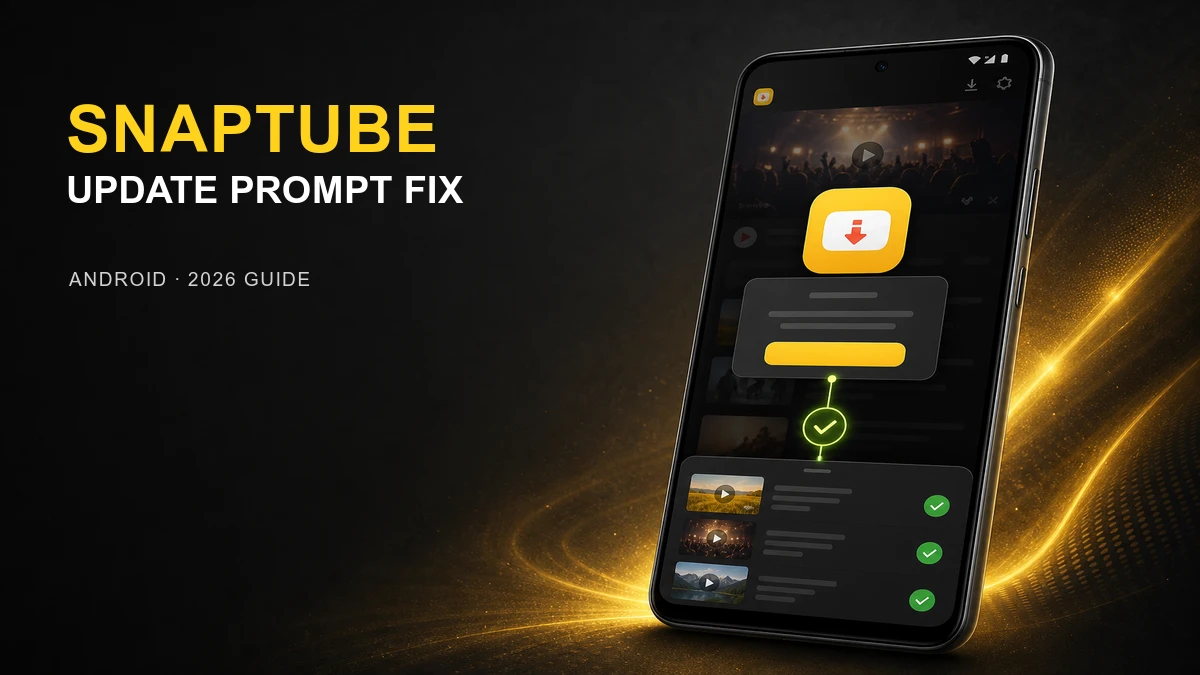
An affected older SnapTube build can interrupt video playback or a download action with a message asking you to update to the latest official version. The wording can vary by build or language, but the result is the same: the media action does not continue.
This is an in-app update-required prompt. It does not mean that tapping a video or download immediately opens a Play Store link. The underlying update path may be described as a redirect issue in release notes, but the visible problem is the forced request to upgrade before you can use the normal playback or download flow.
The latest MOD fixes that interruption: update to the current compatible build, then retry the same video, music, or download action. You should be able to stay in SnapTube and continue normally instead of being stopped by the update message.
FAQ
Why does SnapTube ask me to update to the latest official version?
An affected older build can show an in-app update-required prompt when you try to play or download media. It is a forced update or compatibility message, not an immediate direct link opening the Play Store.
Does the latest SnapTube MOD fix the update-required prompt?
Yes. The current MOD release fixes the issue that interrupts media actions with the update path, allowing playback and downloads to continue in SnapTube again.
Do I need to install the official SnapTube version first?
No. Update directly to the current compatible MOD build. Do not follow the old in-app prompt to replace your installation with an official build unless that is specifically the version you want to use.
What if SnapTube still cannot save a file after updating?
First confirm that the update-required message is gone. If SnapTube stays in the app but cannot save a file, check source availability, storage, Android media permission, and the network connection separately.
Related guide
Ready to remove the forced update prompt? Update SnapTube, then retry your usual video or music download.
Get Current SnapTube on MODDROID




